¶ Introduction
VRCDN has a static file hosting service which allows users to upload and distribute video, audio, images and strings.
All uploaded files are processed for security and optimisation reasons. Videos for example are stored with the codecs 264 and AAC regardless of the uploaded codecs.
¶ Limitations
Our static file hosting services come with limitations based on the current tier. Please check our blog post: https://vrcdn.live/blog/f1da240a-0d74-11f1-a489-f23c93caba54 for more information
¶ Overview
On the Files page you will find a sub menu for "Files", "Upload" and "Alias".
¶ Files
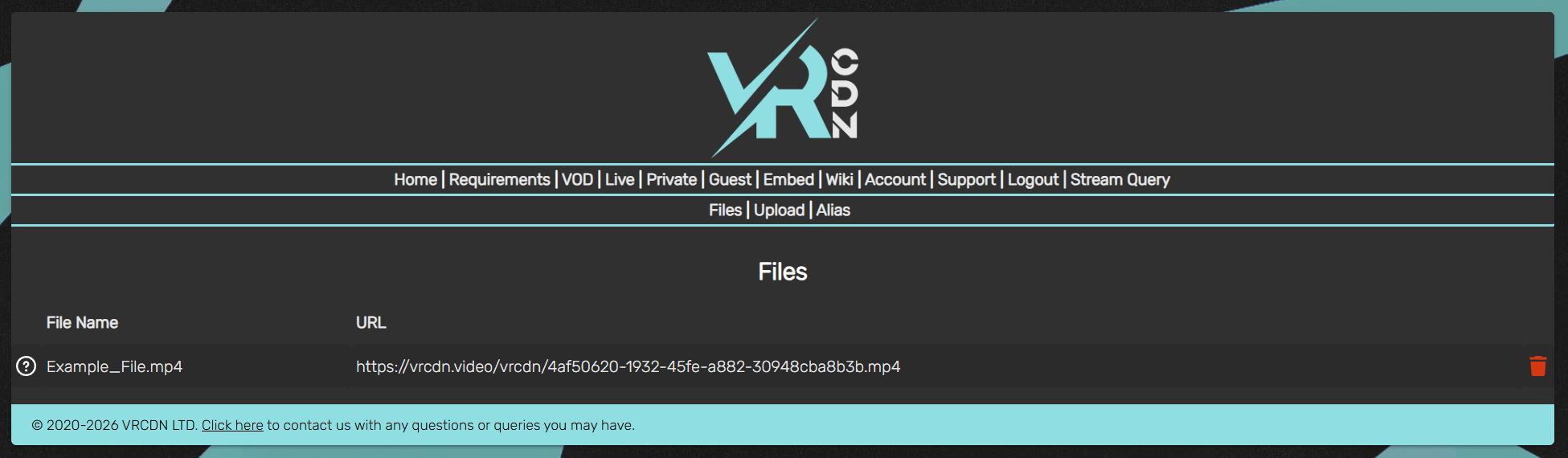
The files tab allows you to manage and delete your uploaded content. You can see the original filename on the left, the URL to that file on our network, and a bin icon to delete the files.
¶ Upload
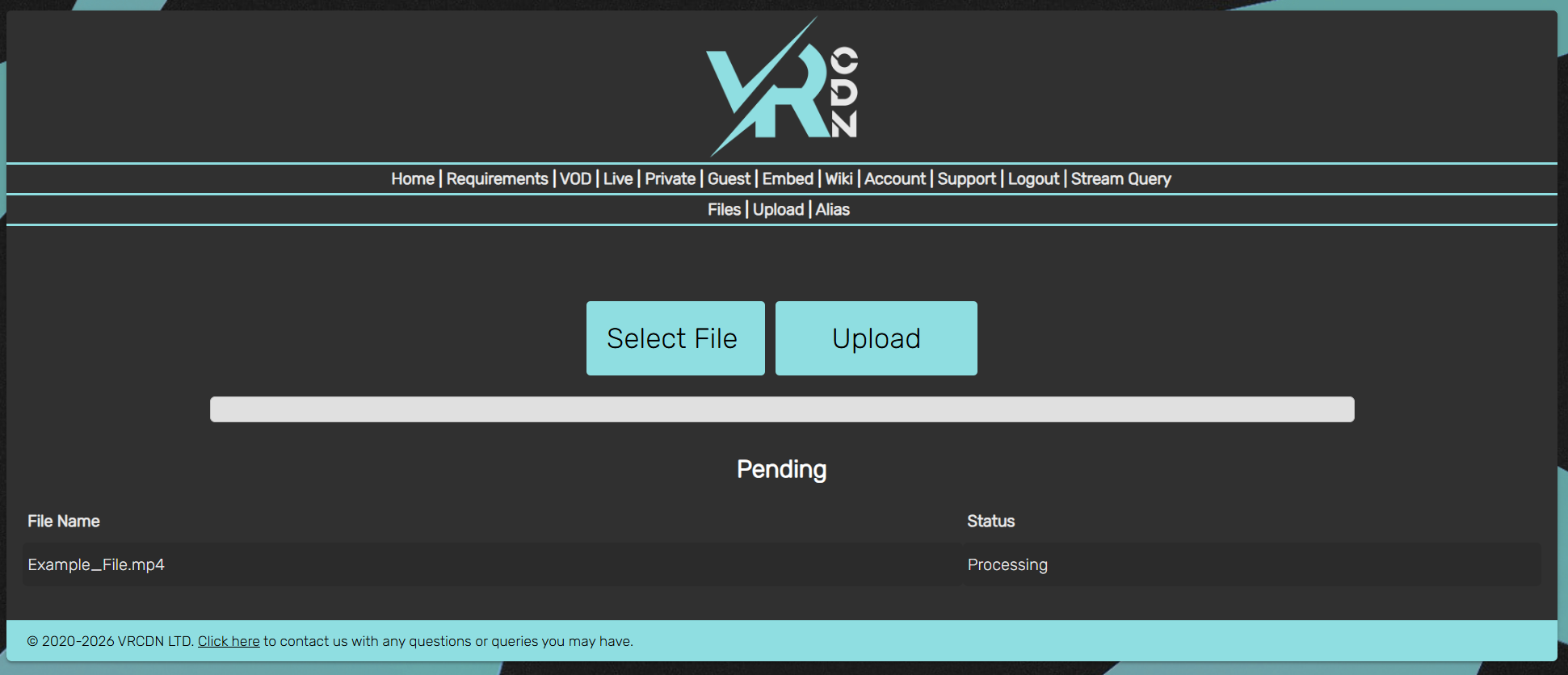
On the upload tab you can upload new files and track uploaded files as they are processed by our network. The processing time can vary depending on the length and complexity of the file, as well as by how busy our processing queue is. Typically this is completed pretty quickly.
If the upload appears stuck in the queue or processing, DO NOT re-upload the file as this new upload will just be at the end of the queue. Message support if you believe there has been an issue.
¶ Alias
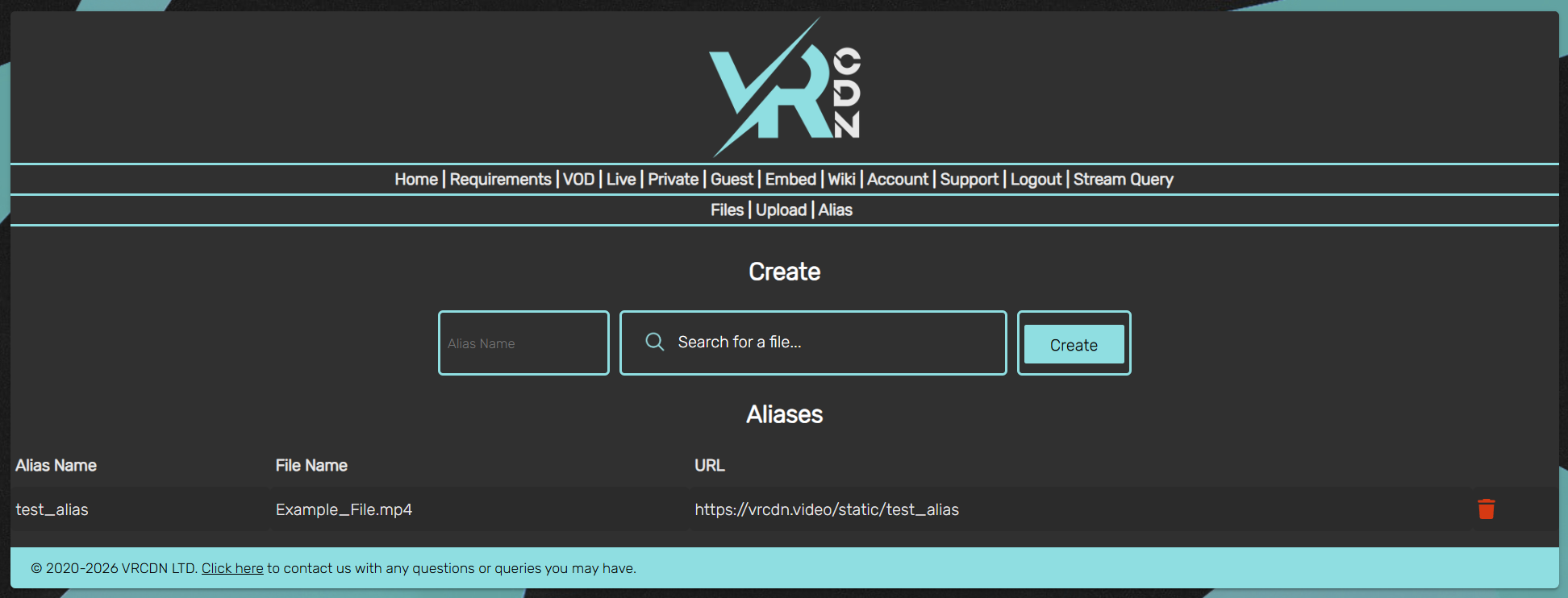
As newly uploaded files receive a randomised URL an alias can be used to create a static URL which can redirect to any of your uploaded content. This removes the need to update VR worlds, apps, etc, whenever you wish to replace the content the alias points to.